How to make AI pictures for free: a beginner's guide with prompts
No sign-up, no payment, no design skills. How to write a prompt that actually works, ten prompts to copy, and what AI pictures are still bad at.
By Duangduean Studios
Making a picture with AI sounds like it should be complicated. It isn't. You type a description, wait a few seconds, and get an image. The trick is in how you describe it.
We added a free AI picture maker to this site, and the most common thing we see is people typing two words, getting something bland, and giving up. Here's how to get much better results.
The tool
Our free AI image generator uses a model called FLUX.1 [schnell], made by Black Forest Labs and released as open source in 2024. It's fast and very good at photos, illustrations and scenes. It runs on shared computers provided by Hugging Face, so it's free, but there's a daily limit per person. If it says it's busy, wait a little and try again.
No account needed. Type, choose a shape (square, wide or tall), press the button.
The prompt formula
A good prompt answers five questions. You don't need all five every time, but the more you give, the closer you get to what's in your head.
What + where + style + light + framing
- What: the main subject. "An old wooden fishing boat"
- Where: the setting. "on a quiet lake in the mountains"
- Style: photo, watercolour, 3D, pencil sketch, poster, anime... "realistic photo"
- Light: this one makes the biggest difference. "at sunrise, soft golden light, light mist"
- Framing: close-up, wide shot, from above. "wide shot"
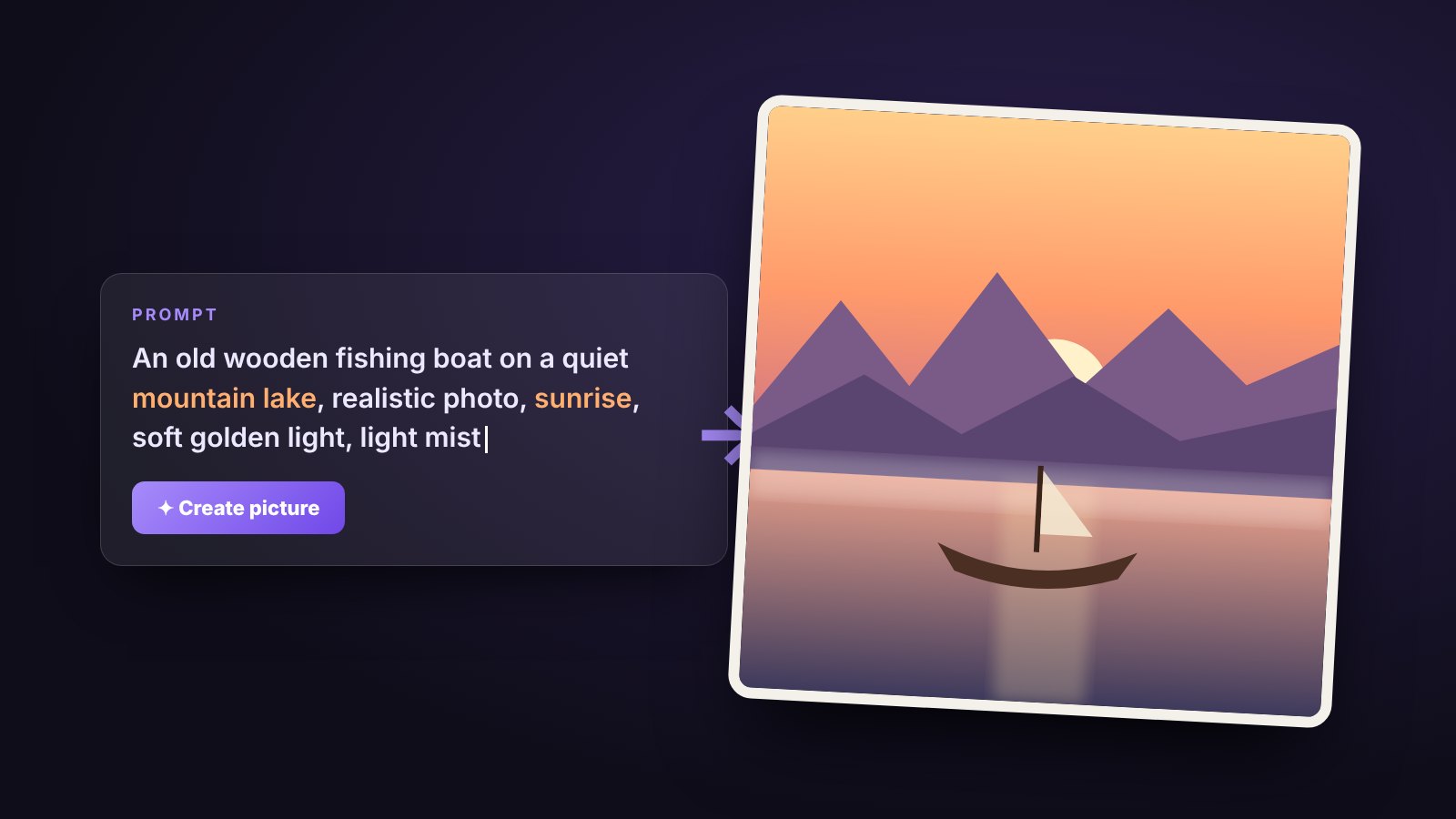
Put together: "An old wooden fishing boat on a quiet lake in the mountains, realistic photo, sunrise, soft golden light, light mist, wide shot."
Compare that with just "boat". Same tool, completely different picture.
Ten prompts to copy
Paste these in, then change a word or two to make them yours:
- A cosy tea stall on a rainy evening, warm yellow bulbs, wet street reflections, cinematic photo
- A small red fox sleeping in autumn leaves, soft morning light, close-up, realistic photo
- A futuristic city with gardens on every rooftop, sunset, wide shot, digital art
- A bowl of steaming masala noodles on a wooden table, top view, food photography
- A WWII fighter plane flying low over a desert, dramatic clouds, golden hour, painting
- A lighthouse on a cliff during a storm, huge waves, moody, oil painting
- A cute robot watering plants on a balcony, pastel colours, 3D illustration
- A modern living room with a green velvet sofa and big windows, morning sunlight, interior photo
- A mountain village at night under a sky full of stars, long exposure photo
- A paper-cut style illustration of a hot air balloon over green hills
What AI pictures are still bad at
Knowing the weak spots saves you a lot of frustration:
- Words and logos. Ask for a shop sign that says your name and you'll often get nonsense letters. Add text afterwards in a normal editing app instead.
- Hands and crowds. Better than they used to be, but still the first place to look for mistakes.
- Exact counts. "Seven birds" might give you five or nine.
- Real people and brands. Don't try. It's unfair to them, and on our site those prompts are blocked anyway.
Using AI pictures for your business
AI pictures are great for social media backgrounds, blog covers, festival greetings and mood boards. They are not a replacement for real photos of your products. If you sell sofas, customers want to see your sofa. Use AI for the mood and real photos for the product.
Try it now
Open the AI picture maker, paste one of the prompts above, and change one thing: the light, the style or the place. You'll learn more from five quick experiments than from any guide, including this one.