Do You Really Need an AI Agent?
Choose between a chatbot, a fixed workflow and an AI agent, with a game-studio example and a practical checklist before you build.
By Duangduean Studios

Quick answer: An AI agent is useful when a task needs changing decisions and tool use along the way. If the steps are predictable, start with a simpler workflow and test whether the extra flexibility is worth its cost.
Imagine a small game studio wants help with player feedback. Some messages report bugs, others ask about controls, and a few suggest features. Calling the whole system an agent does not tell you how it should work. Start with the job you need done.
Three jobs, three designs
A chatbot could answer a controls question from your help pages. A fixed workflow could classify feedback, extract the game version and place a draft in a review queue. An agent could investigate a less predictable problem by choosing which documents to inspect next.
Anthropic's guide to building effective agents distinguishes predefined workflows from systems where the model chooses its next steps. It also describes a trade-off: additional flexibility can bring more latency and cost. That distinction remains useful even as individual products change.
For our hypothetical studio, automatically drafting a bug summary may be enough. Automatically changing the game is a different responsibility.
Sketch the simplest version first
Write the input, output and success condition in plain language: given one player message, return a summary, a suggested category and the details a developer needs to reproduce the problem.
Then ask what must happen every time. If every message follows the same sequence, a fixed process may be easier to review. If the next useful action depends on what the system discovers, an agent may be worth testing.
- Can the task finish with one response?
- Are the steps known in advance?
- Does the system need to choose between tools?
- Can someone check the result before it changes anything?
- What should happen when information is missing?
These are planning questions, not a benchmark proving that one architecture is best.
Give it a small, clear toolbox
For a first prototype, consider read-only access to approved help pages and a way to draft a feedback ticket. Keep unrelated accounts and production changes outside its scope.
Anthropic's tool-design guidance emphasises clear definitions and evaluation. In practice, a tool named find release notes for this version gives you a more specific contract to test than a vague tool called manage everything.
If the message lacks a version number, ask for it or mark it unknown. Inventing one makes a polished ticket less useful.
Test outcomes, not impressive demos
Make a small set of realistic examples: a clear bug report, a vague complaint, a controls question and an unrelated message. Decide what useful results look like before running them.
Record whether the system found the right information, handled uncertainty and stayed within its permissions. Compare a simple workflow with the agent version on the same examples. Our recommendation is to keep extra complexity only when the results justify it.
Read why better data matters more than a bigger AI model for a related starting point. A clever decision loop still needs reliable information.
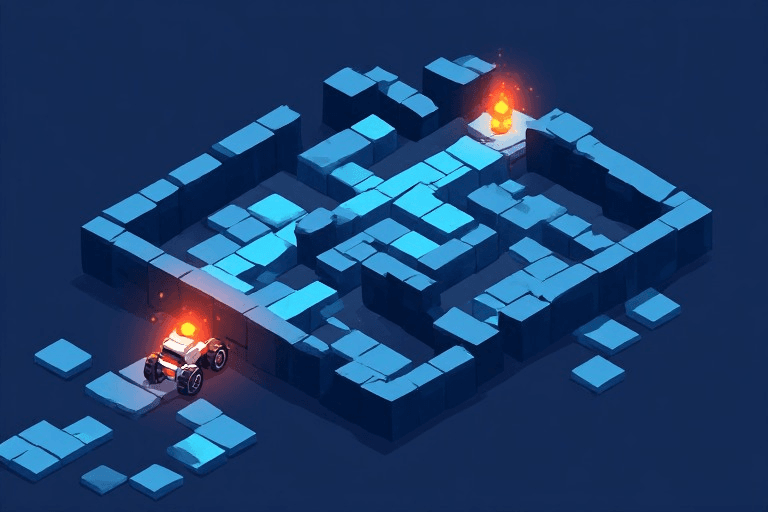
Cover: reader-selected conceptual illustration of connected decision paths.
Frequently asked questions
When do you actually need an AI agent?
When a task needs changing decisions and tool use along the way. If the steps are predictable, start with a simpler fixed workflow and only keep the extra complexity of an agent when tests show it is worth the added cost and delay.
What is the difference between an AI workflow and an AI agent?
A workflow follows predefined steps, such as classify a message, extract the game version and place a draft in a review queue. An agent chooses its next step itself, such as deciding which documents to inspect next while investigating an unpredictable problem.
How should I test an AI agent?
Build a small set of realistic examples, decide what a useful result looks like before running them, and record whether the system found the right information, handled uncertainty and stayed within its permissions. Compare it with a simple workflow on the same examples.