Make your own retro game sound effects. Start with a preset, shape the waveform, and download a WAV for your next game, prototype or video. Free, no sign-up, and everything runs in your browser.
Try a tiny game sound kit
Press a preview to hear it and load its settings into the lab. Start with a low device volume. Nothing plays automatically.
01 · Pick a starting point
Arcade presets
Select a sound, then press Play. Changing a preset does not play audio automatically.
Synthesized from scratch in your browser. No account, microphone access or AI credits needed. Nothing is uploaded.
02 · Shape your sound
Laser lab
0.28 s · mono · 44.1 kHz
Start with a low device volume, especially with headphones.
Export: 16-bit PCM WAV. Lower bit-depth settings add a crunchy effect before export. The download uses exactly the waveform shown above.
Try a laser for an arcade shooter, a coin for a pickup or a short blip for your menu.
02
Find the right feel
Slide the starting and ending pitch. Add noise for impacts, or lower bit depth for a rougher digital sound.
03
Export and build
Download a mono, 44.1 kHz, 16-bit PCM WAV. Import it into your game engine or audio editor.
How do I make an 8-bit-style sound effect?
Choose Square for a classic arcade tone. Use a falling pitch for a laser, a rising pitch for a jump and a high noise mix for an explosion. Lower bit depth adds quantization to the waveform; the exported file remains a standard 16-bit WAV.
Can I use these sounds in my game?
You may use the sounds you generate here in personal and commercial projects, without attribution to Duangduean Studios. They are synthesized from waveforms and noise rather than sampled from existing games. Common simple sounds may resemble sounds made elsewhere; this tool does not promise exclusivity.
Does it use AI or upload anything?
No. This tool uses procedural audio synthesis in your browser. It does not use a microphone, upload audio or charge AI credits. Normal website page-visit tracking still applies, but sound settings and generated audio are not sent with those events.
Why can’t I hear the preview?
Press Play to enable browser audio, then check the device output level. Some mobile devices mute browser audio in silent mode. Downloads work independently of preview playback. Try a current browser if audio preview is unsupported.
Made by a game studio
Hear the idea. Build the game.
Explore the studio’s browser games and put your arcade inspiration into action.
 Keep readingHow to Make Better Sound Effects for Your Browser GameGive pickups, jumps and impacts a clear identity. Try a practical sound-design exercise, then check browser playback before launch.Explore
 Keep readingHow to Make a Sprite Sheet from PNG ImagesCombine PNG frames into a transparent sprite sheet. Try a four-frame example, choose columns and padding, export PNG and JSON, and fix common animation problems.Explore
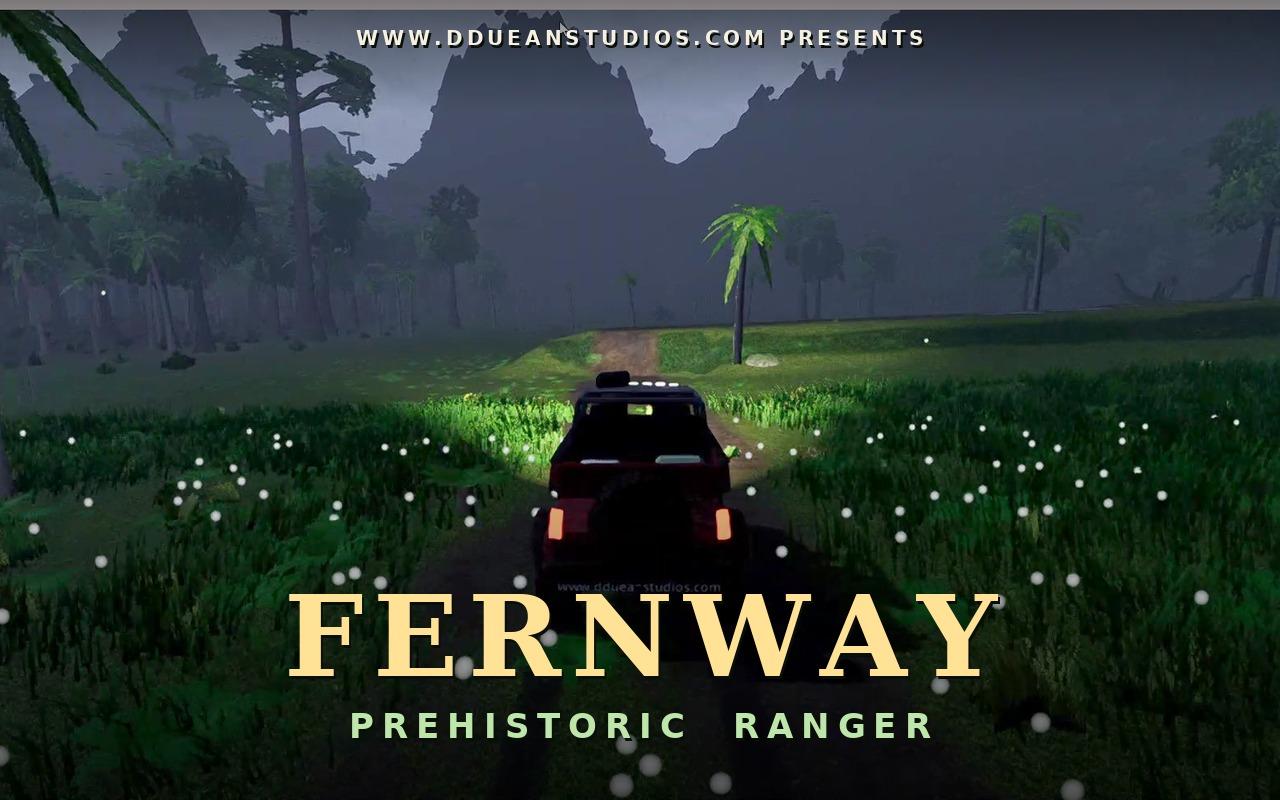 Play nextFernway: Prehistoric RangerDrive a ranger truck through a prehistoric jungle valley: track dinosaurs, run rescue jobs and survive the T. rex territories after dark.Explore