How to Make Better Sound Effects for Your Browser Game
Give pickups, jumps and impacts a clear identity. Try a practical sound-design exercise, then check browser playback before launch.
By Duangduean Studios
Quick answer: Decide what each sound tells the player. Make important events easy to distinguish, test them inside the game and give players a clear way to control audio.
A pickup, a jump and an impact can all be short electronic noises. They should not all communicate the same thing. Before searching for a bigger sound library, write down the events your game needs to explain.
Build a small sound vocabulary
For a simple prototype, try five roles: confirm an input, announce a pickup, communicate movement, warn about damage and mark a major event.
This is a starting exercise rather than a rule for every game:
| Event | Starting point | What to listen for |
|---|---|---|
| Pickup | Short rising tone | Clear reward without drowning out the next action |
| Jump | Quick upward pitch change | Movement that fits the animation |
| Hit | Brief noise-heavy burst | Warning that is distinct from a reward |
| Menu selection | Quiet rounded blip | Feedback that stays comfortable after repeated use |
Make alternatives, then choose by listening in context. A sound that is exciting once may become tiring when it plays every second.
Try one change at a time
Open our free retro sound-effects maker. Choose Coin and preview it. Change the ending pitch, then reset it. Next change only the duration. Finally compare a smooth wave shape with a square wave.
The exercise helps you hear which control changes the sound's character. Save versions with clear names for comparison. The tool exports mono, 44.1 kHz, 16-bit PCM WAV files; its lower bit-depth settings add a crunchy effect before export.
It uses procedural synthesis, not an AI model or sounds sampled from commercial games.
Test with the game running
Does the pickup stand out while music is playing? Does a rapid sequence of hits become overwhelming? Does the feedback arrive with the visual action?
MDN's audio guide for web games discusses feedback and precise playback timing with Web Audio. Our practical suggestion is to test the busiest moment in your game, rather than only an isolated preview button.
Use a sensible level hierarchy. An ordinary menu selection usually does not need the same prominence as an important warning. Pair essential audio cues with visible feedback so the game remains understandable while muted.
Plan for browser playback rules
Audible playback may be blocked until someone interacts with the page. MDN's autoplay guide explains why policies vary between browsers and situations.
Give players an obvious Start or Play action and handle audio that cannot begin immediately. Test a first visit as well as a browser that has already interacted with your site. Include mute and level controls, and check a phone alongside your development computer.
The Web Audio introduction is a useful next step for generating or manipulating audio in code.
Before release
Play a quiet scene, a busy scene and a repeated-action scene. Check that events remain distinct, controls work and the game makes sense while muted.
Invite someone unfamiliar with the prototype to play. Ask what each sound means before explaining your intentions. Their interpretation is more useful than another hour of adjusting sliders in isolation.
Try the sound maker, then explore our browser games for your next prototype idea.
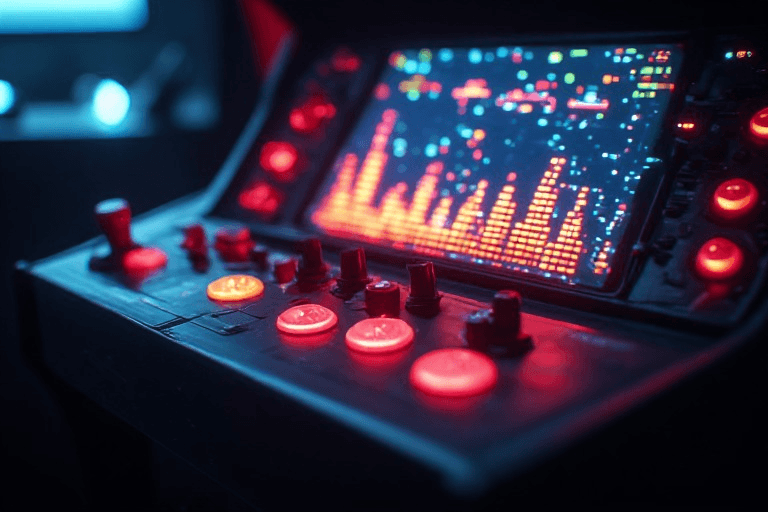
Cover: reader-selected conceptual illustration of an arcade sound-design console.
Frequently asked questions
How do I make better sound effects for a browser game?
Decide what each sound tells the player, make important events easy to tell apart, test sounds inside the game and give players a clear way to control audio.
What sounds does a simple game need?
A good starting set covers five roles: confirming an input, announcing a pickup, showing movement, warning about damage and marking a major event. For example, a short rising tone for a pickup and a brief noisy burst for a hit.