Godot’s 2026 Showreel: Watch It Like a Developer
Godot received 422 showreel submissions this year. Beyond the spectacle, here is a practical way to turn a showcase into a better prototype.
By Duangduean Studios
Godot published its 2026 showreel on 19 November. Here is a developer’s way to use it as a reference.
A good showreel can leave you with two opposite feelings: excitement about what is possible, and the suspicion that your own project suddenly looks very small.
The second feeling is not especially useful. A better approach is to stop treating every polished clip as a comparison with your unfinished game. Treat it as a question you can investigate.
What Godot published
The official 2026 showreel post reports 422 submissions, a record for the showcase. Its featured-project list includes MOLDRISE, Slay the Spire 2, Good Luck, Little Truck! and the GoZen Video Editor.
The organiser also describes plans to screen entries against the submission requirements before opening next year’s voting to development fund members and contributors.
Those details describe the showcase. They do not make the reel a benchmark of every project’s performance, production budget or development time.
Watch once for the feeling
Our suggested first pass is simple: do not take notes. Notice which moments remain in your head after the video ends.
Was it a character movement, a camera angle, a readable combat effect or the way a scene changed colour? Naming the impression is the beginning of a useful reference, even before you understand how it was made.
Watch again for one decision
Choose one short moment and narrow the question. Instead of asking how to build the whole game, ask what makes that particular action clear.
For example, imagine a character landing on a platform. You could examine the distance of the camera, the contrast around the landing area and the timing of the response. Those are observations to test in your own work, not instructions to copy somebody else’s assets.
A recording cannot tell you everything about responsiveness. It can still help you choose a small experiment.
Build a test you can finish
Write one sentence before opening the editor: “I want to compare a fixed camera with a following camera,” or “I want to see whether a brief flash makes a pickup easier to notice.”
Keep the test small enough to discard. If it helps, retain the idea and make it your own. If it does not, you have learned something without rebuilding your project around a trailer.
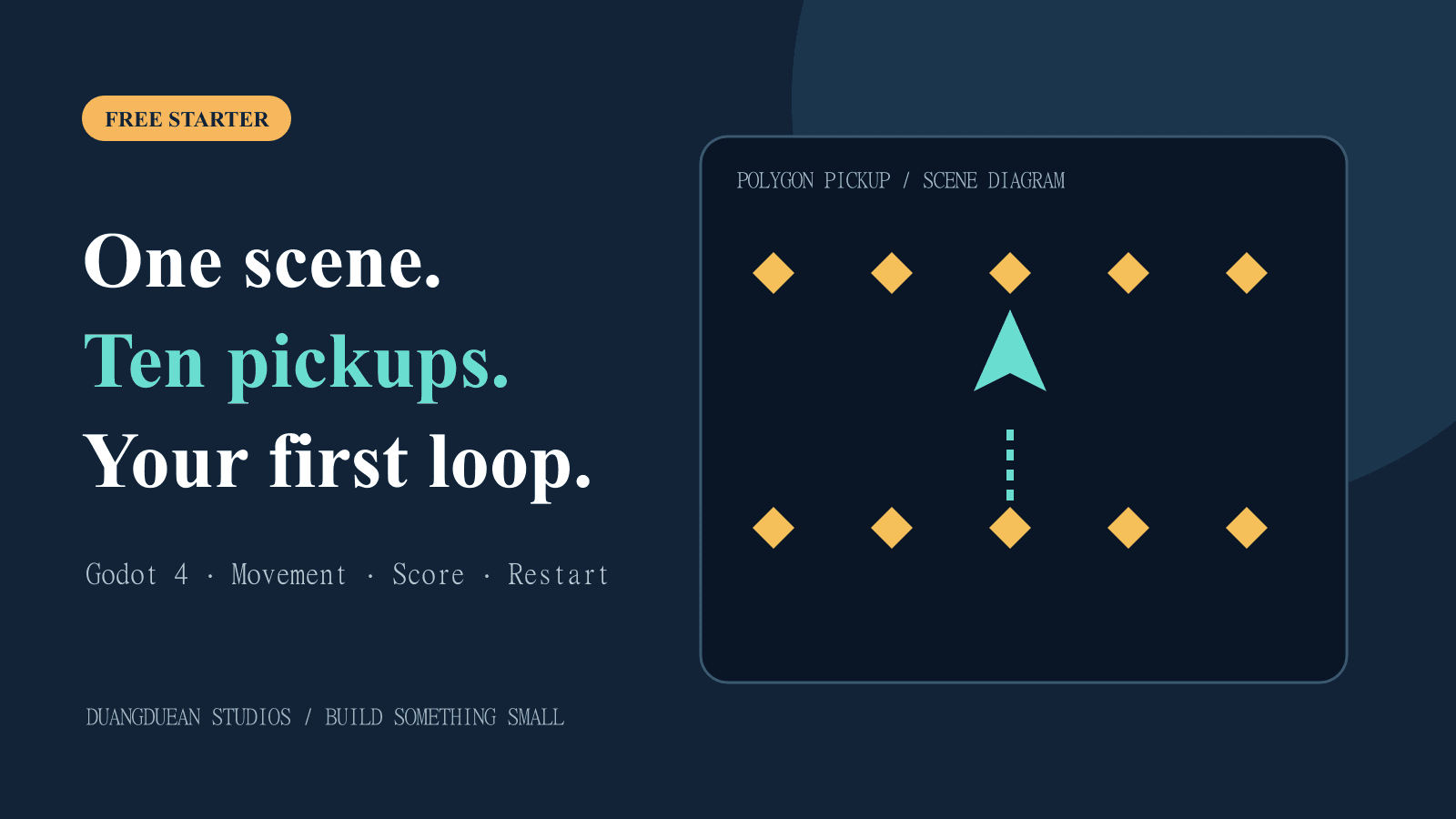
Our free Godot starter and asset packs provide a place to begin, while the easing visualizer lets you compare motion curves directly.
The showreel is the invitation. Your next useful step can be a ten-minute experiment, not a new six-month production.
Source: the Godot Foundation’s official showreel post. The viewing and prototyping method above is our editorial suggestion.