Which easing should I use?
- Ease out (fast start, gentle stop) for things entering the screen and reacting to the player: menus, pop-ups, a character stopping. It feels responsive.
- Ease in (slow start, fast finish) for things leaving the screen or falling.
- Ease in-out for movement between two resting places, like a camera pan or a platform.
- Back out overshoots a little and settles: great for buttons, cards and collectibles.
- Elastic and bounce are playful; keep them short (300–600 ms) so they do not slow the player down.
- Linear suits constant motion such as conveyor belts, rotating radar and scrolling backgrounds.
How the curve names map to each engine
The families are the classic Penner easings. Quad, cubic, quart and quint get steeper in that order. In Godot 4 they areTween.TRANS_QUAD and friends combined with EASE_IN, EASE_OUT or EASE_IN_OUT. In Phaser 3 they are strings such as "Quad.easeOut". In GSAP, quad to quint arepower1 to power4. Unity has no built-in tween system, so the tool gives you DOTween'sEase name and a plain C# function you can use with Mathf.LerpUnclamped.
Custom cubic-bezier curves
Switch to Custom bezier and drag the two handles. Y values above 1 or below 0 make the motion overshoot. The code tab gives you the CSS cubic-bezier(), plus small solver functions for JavaScript, GDScript and C#, because game engines do not read CSS curves directly.
Animating sprites rather than positions? Build the frames in the pixel art editor and pack them with the sprite sheet packer.
Frequently asked questions
What is an easing function?
An easing function changes how fast an animation progresses over time. Instead of moving at a constant speed, an object can start slowly, stop gently, overshoot or bounce, which makes games and interfaces feel natural.
Which easing is best for UI and game feel?
Ease out (fast start, soft stop) for things that appear or respond to the player, ease in-out for moves between two resting points, back out for buttons and collectibles, and linear for constant motion.
How do I use easing in Godot 4?
Create a tween and set its transition and ease, for example create_tween().set_trans(Tween.TRANS_BACK).set_ease(Tween.EASE_OUT), then call tween_property.
Does Unity have easing functions?
Unity has no built-in tween easing. Use a library such as DOTween with SetEase(Ease.OutBack), or copy the plain C# function from this tool and pass its result to Mathf.LerpUnclamped.
 Keep readingHow to Make a Sprite Sheet from PNG ImagesCombine PNG frames into a transparent sprite sheet. Try a four-frame example, choose columns and padding, export PNG and JSON, and fix common animation problems.Explore
 Keep readingDo You Really Need an AI Agent?Choose between a chatbot, a fixed workflow and an AI agent, with a game-studio example and a practical checklist before you build.Explore
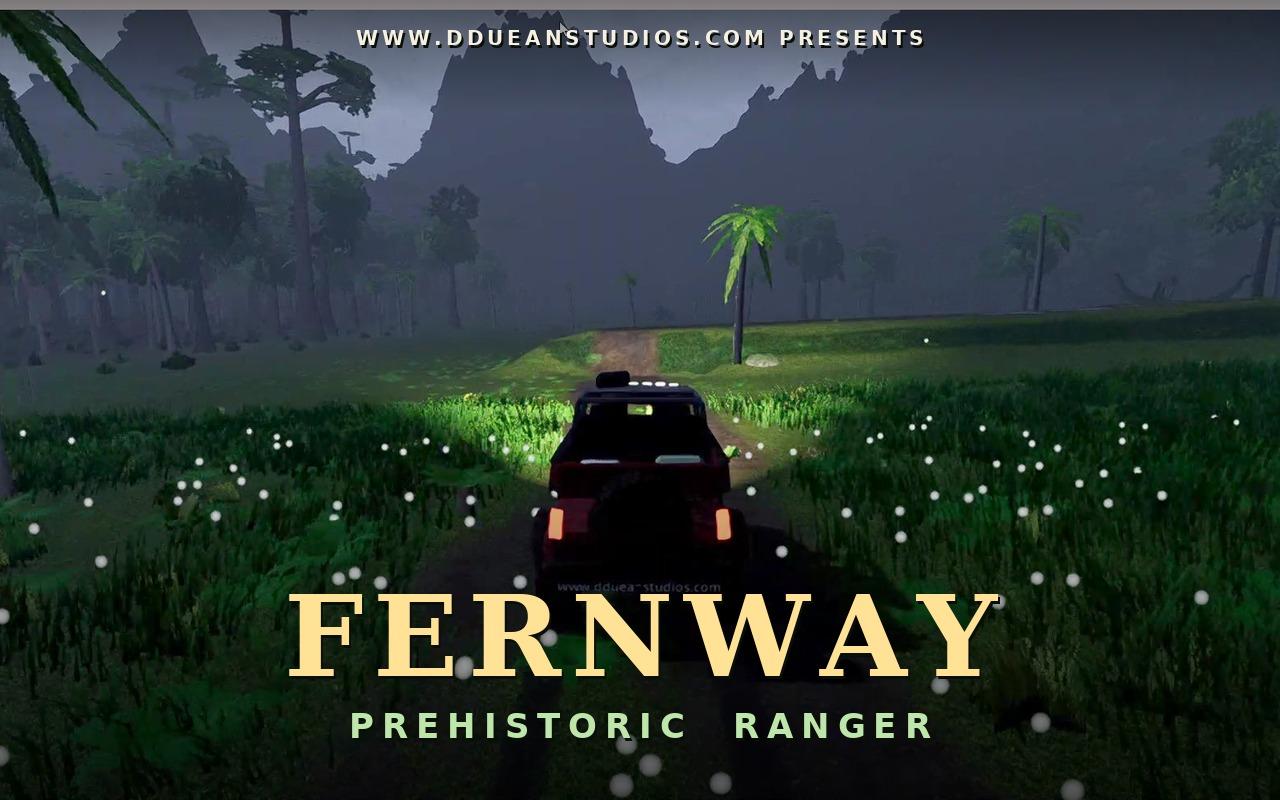 Play nextFernway: Prehistoric RangerDrive a ranger truck through a prehistoric jungle valley: track dinosaurs, run rescue jobs and survive the T. rex territories after dark.Explore