How to make a sprite sheet
- Export your animation frames as separate PNG files, ideally the same size with transparent backgrounds.
- Drop them on the packer. Frames are sorted by file name (walk-2 comes before walk-10). Drag thumbnails to change the order, or duplicate a frame to hold a pose longer.
- Pick Grid for animations or Packed atlas for mixed-size items and UI. Set the columns, padding and scale.
- Check the animation preview, then download the sheet and the file for your engine, or everything as a ZIP.
How to slice a sprite sheet into frames
- Switch to Slice a sheet into frames and drop your sheet.
- Choose Rows & columns if you know how many frames there are, Cell size if you know the frame size in pixels, or Auto-detect to find every sprite on a transparent background, even when they are different sizes.
- Use offset for the margin around the sheet and spacing for the gap between frames. Pink outlines show each cut.
- Download the frames as numbered PNG files in a ZIP, export a GIF, or send them to the packer to re-export with new padding or for another engine.
Use your sprite sheet in a game engine
Godot 4: SpriteFrames file
Download Godot SpriteFrames (.tres) and put it in your project next to the sheet image. Set the Godot folder option to where the image lives (for example res://art/player/) before you download, so the file points at the right path. Then:
- Add an AnimatedSprite2D and drag the .tres file onto its Sprite Frames property.
- The animation is named after the Animation field, plays at your FPS and loops if you ticked loop. Call
$AnimatedSprite2D.play("default"). - For crisp pixel art, set Texture Filter to Nearest. Trimmed atlas frames keep their original size through the AtlasTexture margin, so nothing jumps.
Prefer a plain Sprite2D? With a grid sheet, set Hframes and Vframes to the columns and rows shown under the sheet and animate Frame.
Unity: one-click slicing script
Unity keeps slice data in its own import settings, so the packer gives you a small Editor script that applies the exact rectangles for you:
- Put the downloaded
.cs file in an Assets/Editor folder and import the sheet image. - Select the image in the Project window and choose Assets → Slice Sprite Sheet → your sheet name.
- The script sets Sprite Mode to Multiple, adds every frame with its name and pivot and, with Pixel art on, sets Filter Mode to Point.
It needs Unity 2021.2 or newer with the 2D Sprite package, which 2D projects include. For a grid sheet you can also use Sprite Editor → Slice → Grid By Cell Size with the numbers shown under the sheet.
Phaser 3
Load the image and the JSON as an atlas. The JSON lists the frames in order under animations, so you can build the animation in one line:
// preload()
this.load.atlas("slime", "sprite-sheet.png", "sprite-sheet.json");

// create()
this.anims.create({
  key: "bounce",
  frames: this.anims.generateFrameNames("slime"),
  frameRate: 8,
  repeat: -1,
});
this.add.sprite(200, 200, "slime").play("bounce");
PixiJS
Keep the image beside the JSON and load the JSON with Assets.load. The sheet's animations.default array goes straight into an AnimatedSprite:
const sheet = await Assets.load("sprite-sheet.json");
const slime = new AnimatedSprite(sheet.animations.default);
slime.animationSpeed = 8 / 60;
slime.play();
Grid sprite sheet or packed texture atlas?
A grid gives every frame the same cell. Most 2D animation workflows expect it, and Godot's Hframes and Unity's grid slicing need it. A packed atlas fits differently sized images together, optionally trimmed, to save texture memory. Use it for inventory icons, UI pieces and level props, and keep the JSON, .tres or Unity script with it, because those files say where every image is.
How much padding should I use?
One or two pixels of transparent padding around each frame stops neighbouring frames bleeding in when sprites are scaled or filtered. Use the Scale option to enlarge pixel art with hard edges (2×, 3× or 4×) instead of scaling it in your engine.
Frequently asked questions
How do I combine PNG frames into a sprite sheet?
Drop your PNG, JPEG, WebP or GIF frames on the packer, drag them into order, choose Grid or Packed atlas, set the columns and padding, then download the sheet. You can also download a JSON atlas, a Godot SpriteFrames file, a Unity slicing script and an animated GIF.
How do I split a sprite sheet into individual frames?
Switch to Slice a sheet into frames and drop your sheet. Split by rows and columns, by cell size in pixels, or use Auto-detect to find every sprite on a transparent background. Download the frames as numbered PNGs in a ZIP.
How do I use the sprite sheet in Godot 4?
Download the Godot SpriteFrames (.tres) file, put it in your project next to the image, and drag it onto an AnimatedSprite2D's Sprite Frames property. Set the Godot folder option to where the image lives before downloading.
How do I slice the sprite sheet in Unity?
Download the Unity slicer script, put it in an Assets/Editor folder, select the sheet image and choose Assets > Slice Sprite Sheet. It sets Sprite Mode to Multiple and adds every frame with its exact rectangle and pivot. It needs Unity 2021.2 or newer with the 2D Sprite package.
Does the sprite sheet work with Phaser and PixiJS?
Yes. The JSON is a TexturePacker-style JSON Hash atlas with an animations list. Load it with this.load.atlas in Phaser 3 or Assets.load in PixiJS.
What is the difference between a grid sprite sheet and a texture atlas?
A grid gives every frame the same cell, which suits character animations and grid slicing in Godot and Unity. A packed texture atlas fits differently sized images tightly together, optionally trimmed, to save memory; it needs the data file to find each image.
Are my images uploaded to a server?
No. The packer and slicer run entirely in your browser, so your images are not uploaded. It is free with no sign-up.
 Keep readingHow to Make a Sprite Sheet from PNG ImagesCombine PNG frames into a transparent sprite sheet. Try a four-frame example, choose columns and padding, export PNG and JSON, and fix common animation problems.Explore
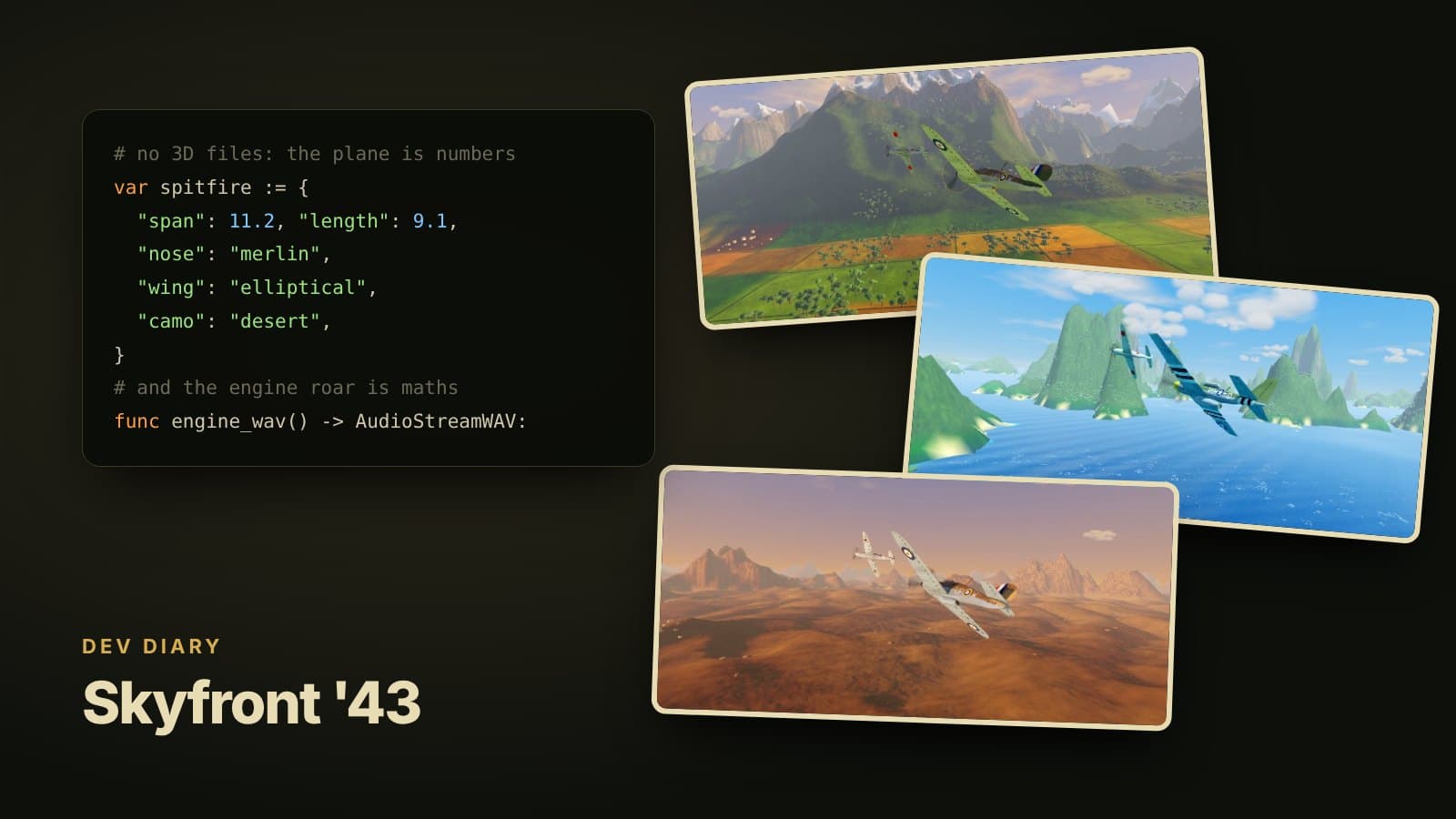 Keep readingA WWII flight game with no art files: a Skyfront '43 diaryEvery aircraft, mountain and engine sound in Skyfront '43 is made by code. Why we built it that way, and what went wrong when we put it in a web browser.Explore
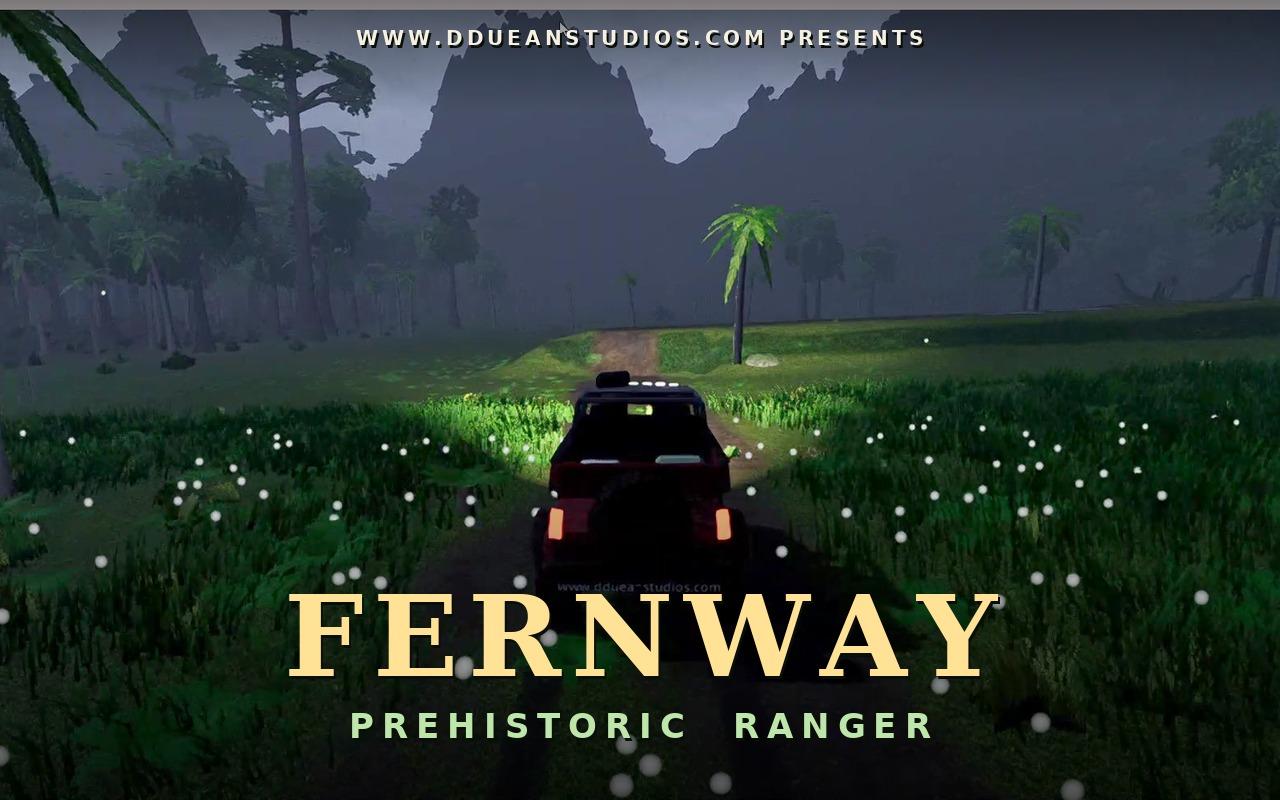 Play nextFernway: Prehistoric RangerDrive a ranger truck through a prehistoric jungle valley: track dinosaurs, run rescue jobs and survive the T. rex territories after dark.Explore