How to make pixel art for a game
- Pick a small canvas. 16 × 16 suits items and tiles, 32 × 32 suits characters, 64 × 64 suits bosses and portraits. Small canvases force clear shapes.
- Block in the silhouette with one dark colour, then fill the main areas. Turn on Mirror for faces, robots and symmetrical props.
- Shade with three to five tones of each colour. A ready-made ramp from the game colour palette generator keeps shading consistent.
- Clean up stray pixels and jagged curves, then export at 1× for your engine or 4×–8× to share.
Animate a sprite
Click Duplicate to copy the current frame, then change only what moves. Turn on Onion skin to see the previous frame faintly underneath, and watch the live preview while you adjust the speed. A walk cycle usually needs four to eight frames; an idle bounce works with two to four.
Export to your game engine
- PNG saves the current frame. Use 1× for the engine and set its texture filter to Nearest (Godot) or Point (Unity) so pixels stay sharp.
- Sprite strip PNG puts every frame side by side in one row. In Godot set Hframes to the number of frames; in Phaser use
load.spritesheet with the frame size. - Open in sprite sheet packer sends your frames to the sprite sheet packer, which makes a grid sheet plus a Godot SpriteFrames file, a Unity slicing script or a Phaser atlas.
- Animated GIF is handy for devlogs, itch.io pages and social posts.
Keyboard shortcuts
B pencil · E eraser · G fill · I colour picker · L line · R rectangle · M mirror · O onion skin · ← → change frame · Ctrl+Z undo · Ctrl+Y or Ctrl+Shift+Z redo. Hold Alt and click to pick a colour with any tool, and right-click a palette swatch to remove it.
Frequently asked questions
Is this pixel art editor free?
Yes. It is free, runs in your browser and needs no download or account. Your drawing is saved in your browser automatically.
Can I animate pixel art?
Yes. Add or duplicate frames, turn on onion skin to see the previous frame, and watch the live preview at the speed you choose. Export an animated GIF, a sprite strip or send the frames to the sprite sheet packer.
What canvas size should I use for game sprites?
16 × 16 suits items and tiles, 32 × 32 suits most characters, and 64 × 64 suits large characters and portraits. The editor goes up to 256 × 256.
How do I keep pixel art sharp in Godot or Unity?
Export at 1× and set the texture filter to Nearest in Godot or Point (no filter) in Unity. Scaling up in the engine then keeps hard edges.
 Keep readingHow to Make a Sprite Sheet from PNG ImagesCombine PNG frames into a transparent sprite sheet. Try a four-frame example, choose columns and padding, export PNG and JSON, and fix common animation problems.Explore
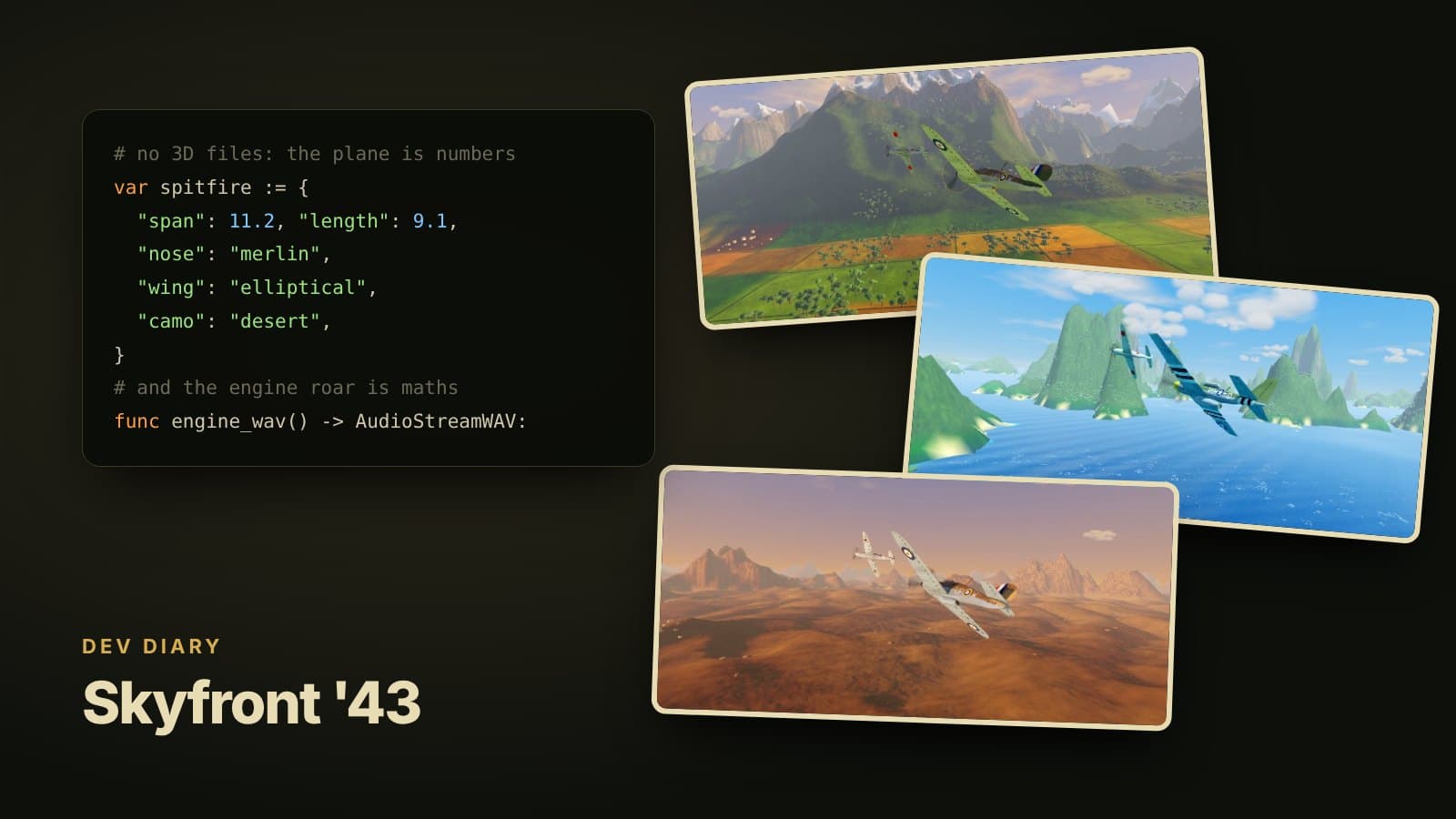 Keep readingA WWII flight game with no art files: a Skyfront '43 diaryEvery aircraft, mountain and engine sound in Skyfront '43 is made by code. Why we built it that way, and what went wrong when we put it in a web browser.Explore
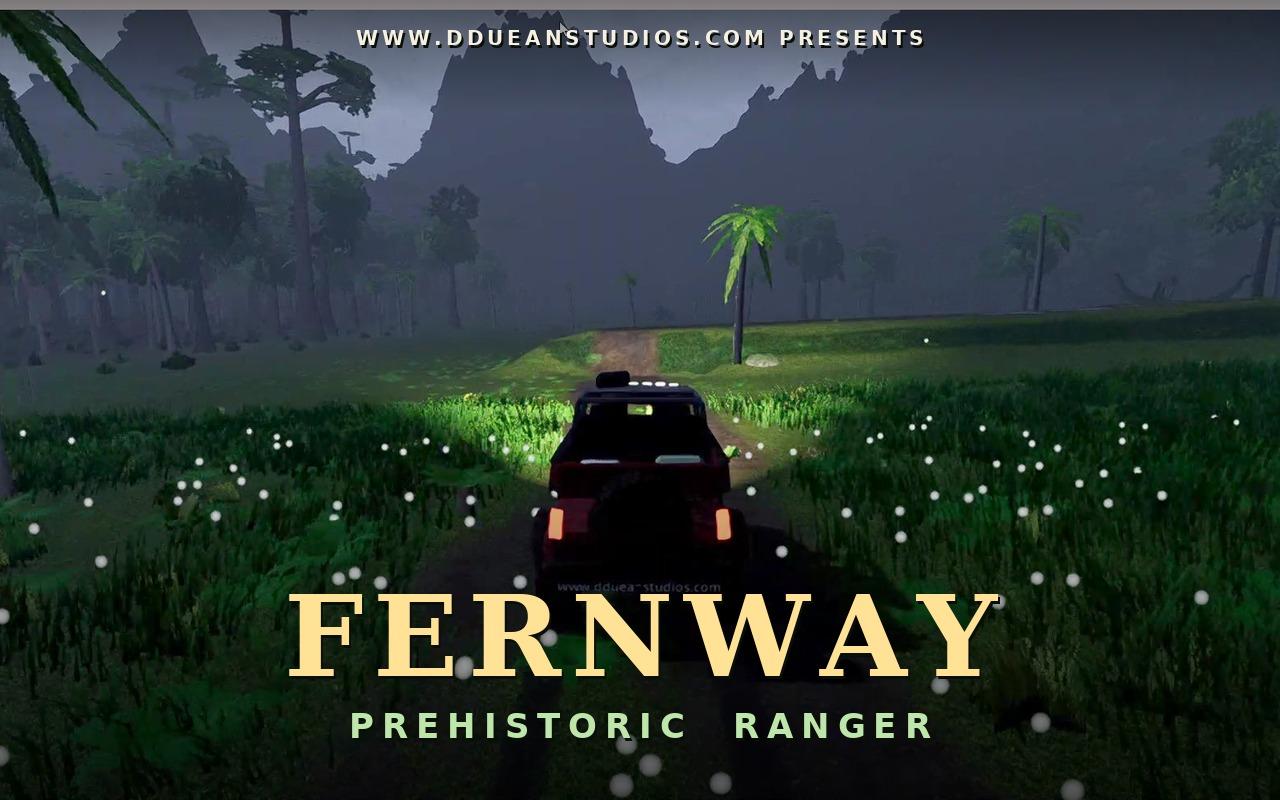 Play nextFernway: Prehistoric RangerDrive a ranger truck through a prehistoric jungle valley: track dinosaurs, run rescue jobs and survive the T. rex territories after dark.Explore