What makes a good game palette?
- Few colours, used well. 16 to 32 colours is plenty for most pixel art games. Limits make every sprite look like it belongs together.
- Ramps, not single colours. Each material (skin, grass, metal, water) needs three to six shades from dark to light.
- Hue shifting. Shadows lean toward blue or purple and highlights toward yellow. That is livelier than only making a colour darker or lighter.
- A neutral ramp. Cool greys cover stone, metal, UI and outlines without clashing.
- Contrast for the player. Characters and hazards should stand out from the background, so keep the brightest and most saturated colours for them.
Use the palette in your tools
- Aseprite, GIMP and Krita: download the .gpl file. In Aseprite open the palette menu and choose Load Palette.
- Photoshop and older editors: use the JASC .pal file or the HEX list.
- Lospec-style PNG: the 1× PNG has one pixel per colour, the format most pixel art tools import.
- Godot: paste the GDScript array into a script and use
PALETTE[3] wherever you need a colour. - Unity: paste the C#
Color32[] into a class to use the same colours in code and UI. - Draw with it now: “Draw with it” opens the pixel art editor with your palette loaded.
Get a palette from a picture
Drop concept art, a mood-board image or a screenshot, and choose how many colours you want. The tool groups similar colours and keeps the ones that cover the most of the picture, then sorts them by hue and brightness. It is a quick way to match a reference or to pull the palette out of your own key art.
Frequently asked questions
How many colours should a pixel art palette have?
Most pixel art games use 16 to 32 colours. Group them into ramps of three to six shades per material, plus a neutral grey ramp.
What is hue shifting?
Hue shifting changes the hue as a colour gets darker or lighter: shadows lean toward blue or purple and highlights toward yellow. It looks richer than only changing brightness. Every ramp this tool makes is hue shifted.
How do I load the palette in Aseprite?
Download the .gpl file, then in Aseprite open the palette options menu and choose Load Palette. GIMP and Krita read the same .gpl format.
Can I get a palette from an image?
Yes. Drop a picture and choose how many colours you want. The tool finds the main colours with median-cut quantisation, sorts them by hue and brightness, and the picture never leaves your browser.
 Keep readingHow to Make a Sprite Sheet from PNG ImagesCombine PNG frames into a transparent sprite sheet. Try a four-frame example, choose columns and padding, export PNG and JSON, and fix common animation problems.Explore
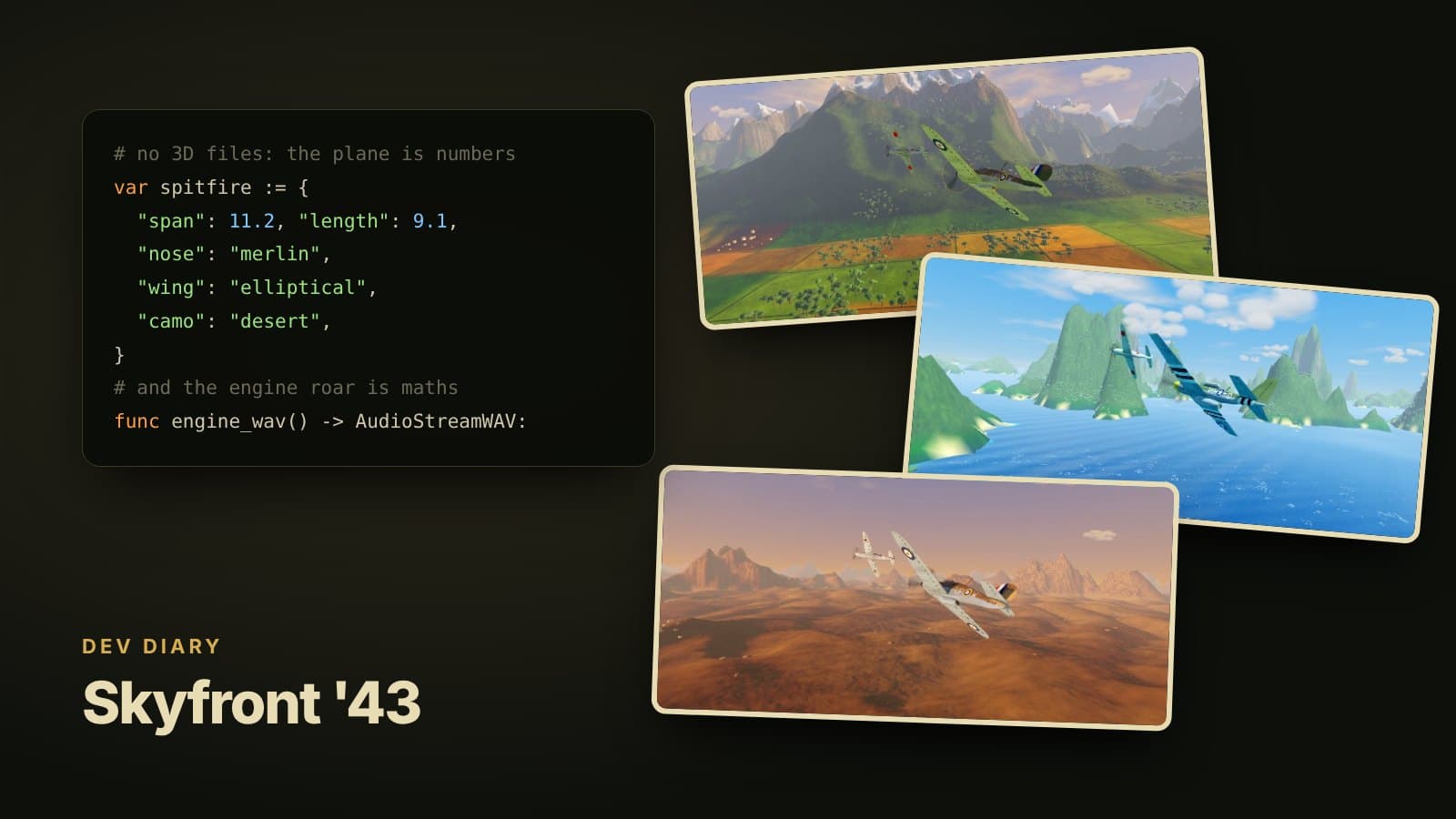 Keep readingA WWII flight game with no art files: a Skyfront '43 diaryEvery aircraft, mountain and engine sound in Skyfront '43 is made by code. Why we built it that way, and what went wrong when we put it in a web browser.Explore
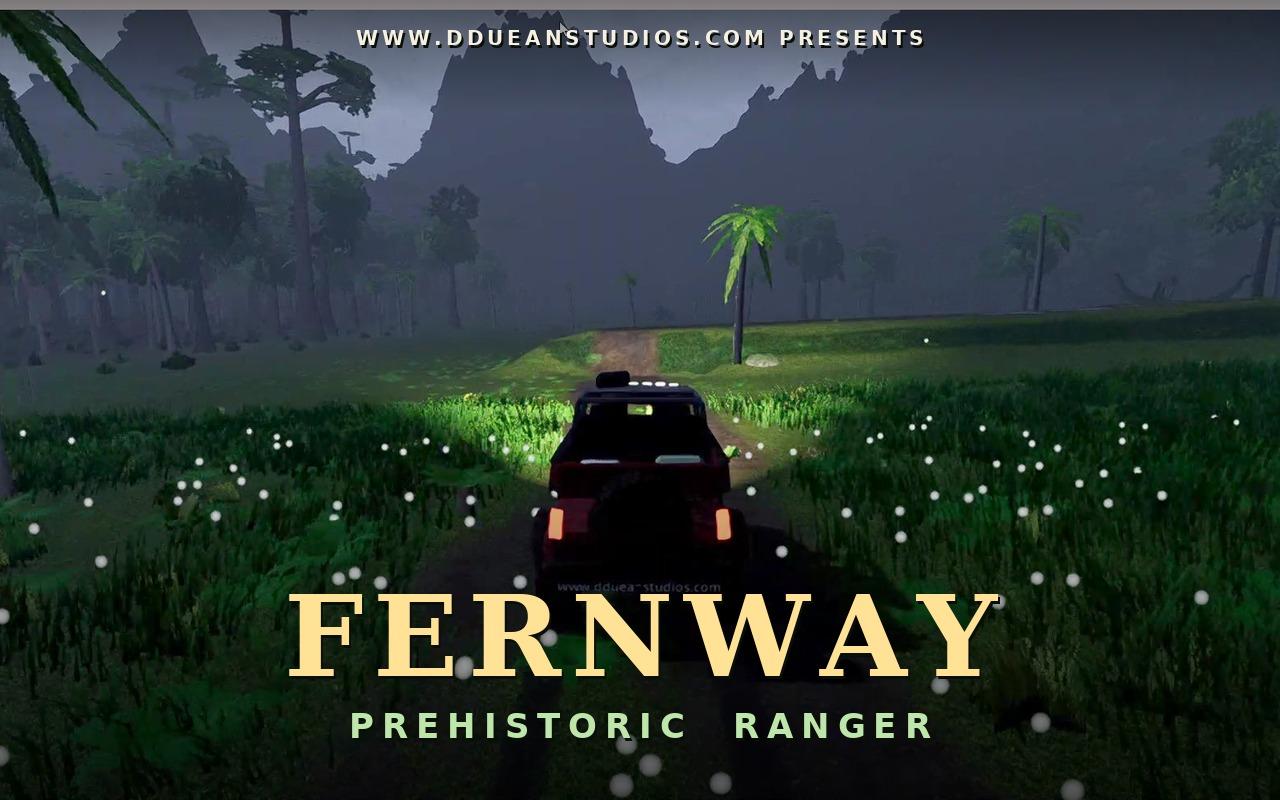 Play nextFernway: Prehistoric RangerDrive a ranger truck through a prehistoric jungle valley: track dinosaurs, run rescue jobs and survive the T. rex territories after dark.Explore